
Key Takeaways
- This page explains how to evaluate a fire sprinkler inspection reporting workflow by asking to see how a report is created, uploaded and retrieved, rather than relying on a written description alone.
- A walkthrough of the reporting steps gives property teams a concrete way to check whether report access and submission responsibilities match the tasks they need to complete in 2026.
- ProTech Fire describes electronic field-generated reports, The Compliance Engine uploads and customer portal placement for its fire sprinkler inspection service, and invites you to bring your own reporting questions to the conversation.
Could you explain how an inspection report would move from the field to the place where your team needs to find it? If that question takes a minute to answer, a fire sprinkler inspection reporting demonstration is a practical way to find out what a provider’s reporting process looks like in use.
A written service description tells you what is offered. An example shows you how the offer would work day to day. ProTech Fire describes electronic field-generated reports, The Compliance Engine uploads and customer portal placement. This page gives you a short list of questions to bring to that conversation, whether you are comparing providers or checking your current arrangement. To start, contact ProTech Fire and ask how its stated reporting workflow would apply to your property.
Start With the Reporting Task You Need to Complete
Before you compare anything, write down what you need reports to do for your team. A demonstration only helps if you know what you are testing it against.
Define who needs the report and when
Think about who opens an inspection report after a visit. It might be a property manager, a facilities lead, an insurance contact or a building owner. Each person may need the report at a different time and in a different format.
Ask yourself a simple question. If someone asked for your building’s latest sprinkler inspection report today, how long would it take you to find it, and where would you look?
Identify who handles required submissions
Some inspection reports have to be sent to other parties. Your team may rely on the provider for that step, handle it internally, or share the work. Name who is responsible in your current arrangement, because a reporting workflow is only useful if every handoff has an owner.
When you meet with a provider, ask directly which submissions the provider handles and which stay with you. Do not assume the answer. Ask for it to be stated in writing as part of the service scope.
List the records you want within reach
A short list keeps the conversation focused. Many property teams want to check these points:
- The most recent inspection report for each building
- Earlier reports for comparison or review
- A clear record of what was inspected
- Who can log in and who cannot
- How to request a copy if you cannot find one
You do not need a long document. Even five clear needs will make any demonstration more useful.
At a glance
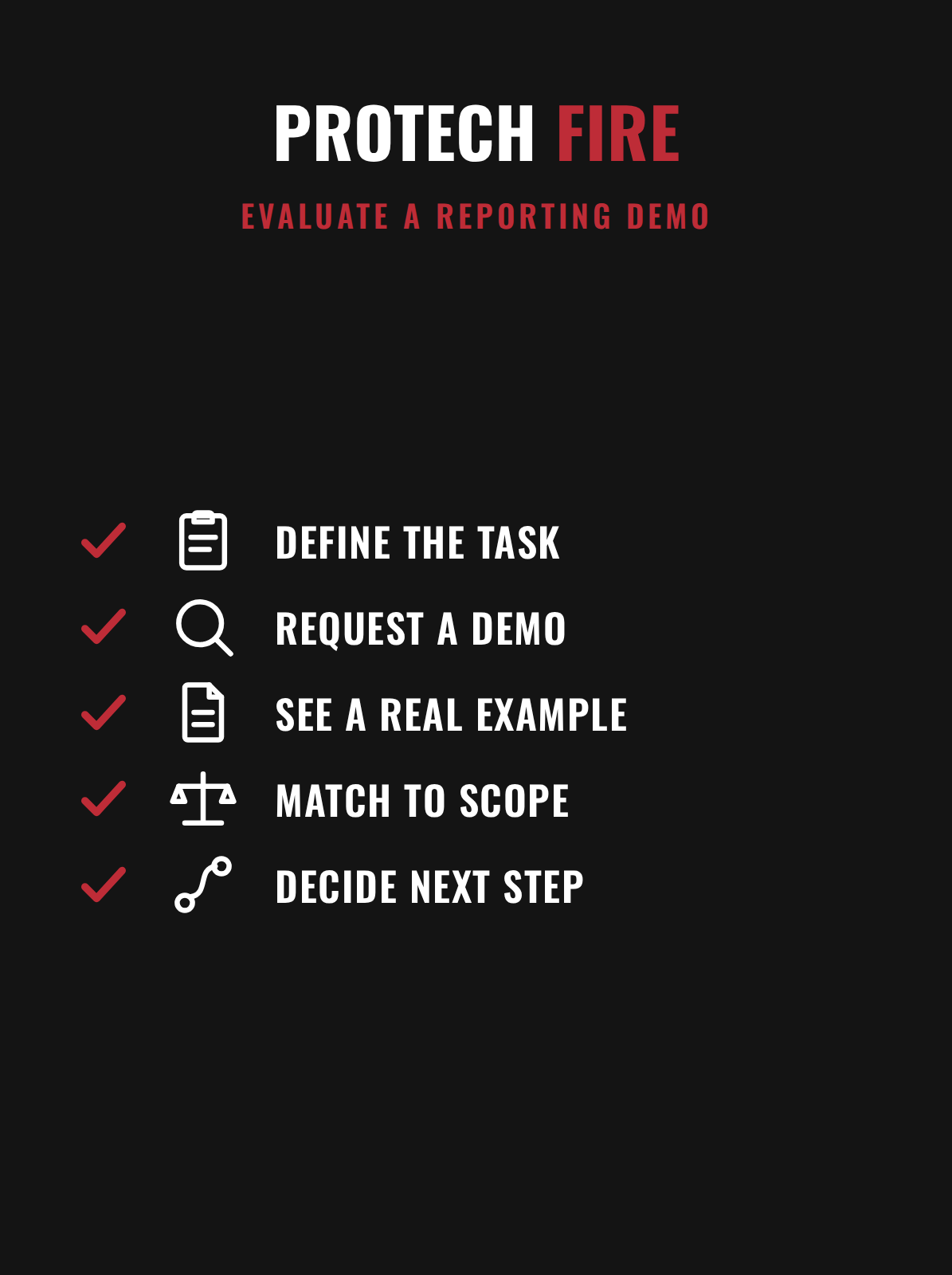
From description to demonstration
How to turn a reporting claim into a real example you can judge.
Turn a Reporting Description Into a Demonstration Request
A reporting promise is easy to read and hard to test. A demonstration request turns that promise into a set of observable steps.
Ask for a walkthrough of the workflow, not a sales pitch
A useful request is specific. You might say that you would like to see, step by step, how a report is created during an inspection, how it is uploaded, and how a customer finds it afterward. You are asking about process, not asking a provider to prove it is better than another.
Availability of an example or walkthrough depends on the provider. ProTech Fire can tell you what it is able to share, so ask what form a demonstration could take and what would be redacted to protect other customers’ information.
Ask for a redacted example when a live view is not possible
A redacted sample report can still show a lot. You can see how the report is organized, how locations are labeled and whether the document is easy to read without help from the inspector.
If a sample is shared, treat it as an illustration of format and access. It shows how a report can look. It does not tell you what the findings for your own property will be.
Share your own tasks ahead of time
Send your list of reporting needs before the meeting. That lets the provider answer in terms of your property instead of giving a general overview. It also gives you something to check afterward: did each of your needs get a direct answer?
What to Ask ProTech to Show in an Example
ProTech Fire’s stated workflow has three parts: electronic field generation, The Compliance Engine upload and customer portal placement. Each part suggests its own questions.
Questions about electronic field generation
Start where the report begins. Ask how the inspector produces the report during the visit and what the electronic format looks like when it reaches you.
- Is the report produced electronically during the visit?
- What information does the report contain about each inspected area?
- Can you see how the report is organized before you receive one for your property?
Questions about The Compliance Engine upload
Ask what the upload step covers. The Compliance Engine is part of ProTech Fire’s described workflow, so ask the team to explain, in plain terms, what is uploaded, when it happens and what it means for your team.
Then ask the question from earlier: who handles required submissions? Ask whether the upload step relates to those submissions and which responsibilities remain with you. Let ProTech Fire define what the upload does, and write down its answer in its own words.
Questions about customer portal placement
Finish at the place where your team will look. Ask where a finished report appears in the customer portal and who on your team can open it. A portal is only helpful if the right people can reach it and the wrong people cannot.
A short checklist for this part of the conversation:
- Where will the report appear after an inspection?
- Who receives access, and how is access added or removed?
- Can earlier reports be found in the same place?
- What is the process if you cannot find a report?
If you can see this part during a demonstration, even in a redacted form, you will have a much clearer picture than a feature list gives you.
Compare the Example With the Written Service Scope
A demonstration is helpful, but it is not an agreement. The written scope is what describes the service you would actually receive.
Use the promise to see what is offered
Read the written description of the fire sprinkler inspection service first. ProTech Fire’s stated reporting promise covers electronic field generation, The Compliance Engine uploads and customer portal placement. That tells you what the service is meant to include.
Use the example to see how it would work for you
Next, look at the example. Does what you were shown match what the description says? Where the description says reports are placed in a portal, did the demonstration show a portal? Where it mentions uploads, did someone explain what was uploaded?
You are not hunting for flaws. You are checking whether the description and the example tell the same story. If they do, you have a stronger basis for a decision. If a part is unclear, that is a good question to ask next.
Ask for the offered reporting scope in writing
Nothing in a sample report establishes contract terms, pricing, access conditions or timing. Those are separate details. Ask for written clarification of which reporting tasks and access arrangements apply to your service, and ask the team to separate the general reporting promise from the scope offered for your property.
This helps with comparing providers as well. If you collect the same written details from each one, you can place them side by side without relying on memory of a meeting.
Use What You Learn to Decide Your Next Step
After the conversation, review your notes against your original list of reporting needs. The goal is a clear answer to one question: does this reporting arrangement fit how your team works?
Score each need as clear, partly clear or open
Go through your list and mark each item. A need is clear when you saw it or read it in writing. It is partly clear when it was described but not shown. It is open when no one has answered it yet. This simple sorting keeps the decision grounded in what you learned, not in how a meeting felt.
Decide whether to stay, switch or keep asking
If your current provider meets your needs, you have confirmed it, and that is a useful result. If you find gaps, ask your current provider about them too. A reporting question is fair to put to any inspection company.
If ProTech Fire’s stated workflow looks like a better fit for your tasks, the next step is a conversation about the service scope for your property. You can ask whether a redacted example can be shared and which demonstrated features would be included in the service offered to you. Contact ProTech Fire directly to begin, and ask for any details you need in writing.
Keep the evaluation proportionate
A reporting review does not need to take long. One focused conversation, one sample or walkthrough where available, and one written scope are usually enough to compare options for properties in Atlanta and across the Southeast. Bring your list, ask for specifics and let the answers guide the decision.
FAQ
What can I ask to see when evaluating a fire sprinkler inspection reporting workflow?
Ask for an appropriately redacted example that shows how a report is created and where it can be retrieved. For ProTech Fire’s stated workflow, focus your questions on electronic field generation, The Compliance Engine upload and customer portal placement. Also ask who on your team would have access and who handles required submissions.
How should I compare a reporting demonstration with a written reporting promise?
Use the written promise to identify what is being offered, and use the demonstration to ask how that offer would work for your property. ProTech Fire’s stated promise covers electronic field generation, The Compliance Engine uploads and customer portal placement. Ask how the example relates to each of those commitments, and note any part that was described but not shown.
What should I request before treating a reporting example as part of an inspection agreement?
Ask for written clarification of which reporting tasks and access arrangements would apply to your service. Use the example to frame those questions, and ask ProTech Fire to distinguish its stated reporting promise from the specific scope being offered for your property. A sample report shows format and access, not contract terms.
Can I ask ProTech for a reporting example before deciding whether to change inspection providers?
You can ask whether ProTech Fire can share an appropriately redacted reporting example and explain its stated workflow. Frame the request around the tasks you need to complete, then ask which demonstrated features would be included in the service offered to your property. What can be shared depends on ProTech Fire, so ask what form the example could take.
Does ProTech Fire provide fire sprinkler inspection in Atlanta and the Southeast?
ProTech Fire serves Atlanta, GA and the Southeast. Contact the team with your property address and ask them to confirm service coverage for your location, along with how reporting would work for that site.
Ask ProTech Fire About Your Reporting Needs
If you are weighing your options, bring your list of reporting tasks and your questions about report creation, uploads and portal access to ProTech Fire. Ask whether a redacted example can be shared and request the offered reporting scope in writing so you can compare it with what you have today.